Unetwork App Task
Caller ID Testing
Validate that caller IDs are displayed correctly on live networks.
What it is
What is Caller ID Testing?
Caller ID Testing checks whether inbound test calls reach real devices and display the expected caller ID.
You do not need to answer the call. The task is designed to verify real-world telecommunications connectivity using everyday mobile devices and carrier networks.
Why it matters
Real devices show how calls behave
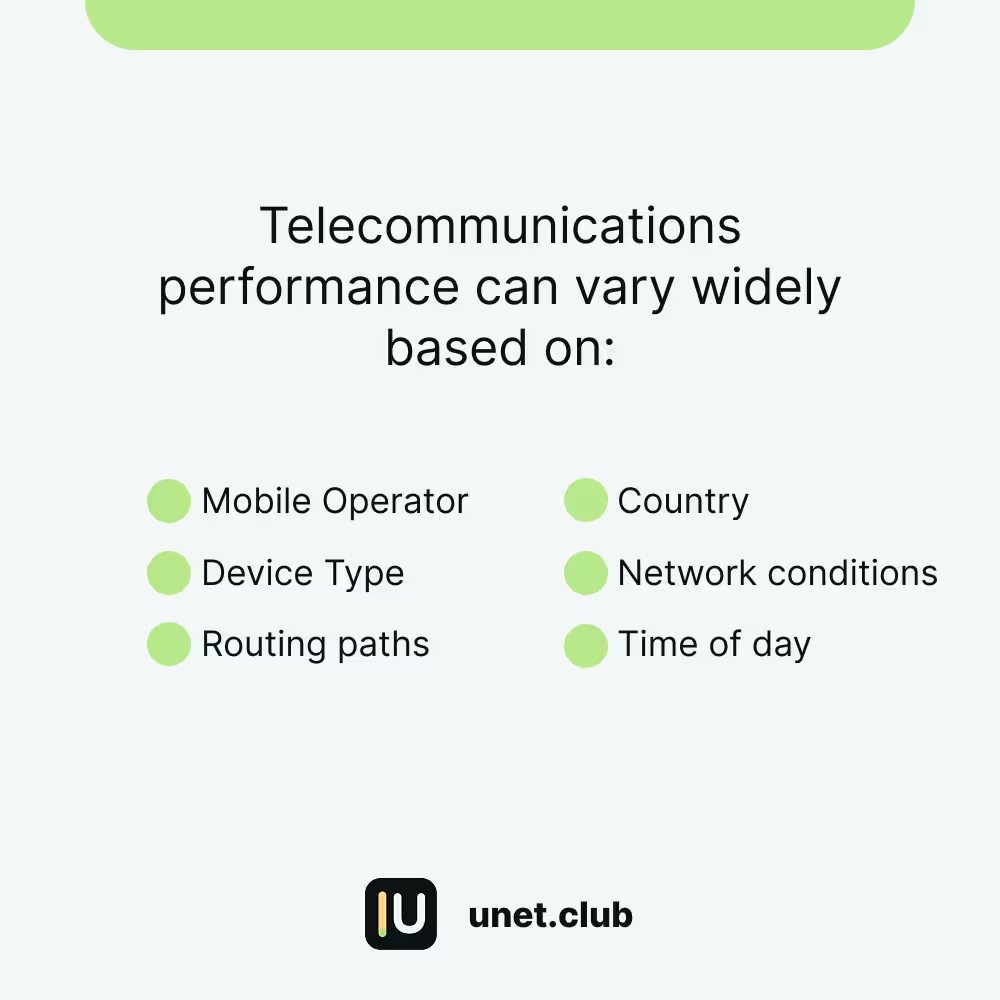
Caller ID can change as calls move through countries, carriers, routing paths, and network conditions.
Unetwork uses operator devices to give telecom companies visibility into call delivery under real-world conditions.
How it works
Receive the call event, then report it
- 1
Enable Caller ID Testing
Turn on Caller ID Testing from Tasks in the Unetwork App.
- 2
Keep the line reachable
Your SIM or eSIM needs a working number with incoming calls enabled.
- 3
Let the test call arrive
The call may look like a normal incoming call. You do not need to answer it.
- 4
Report in the app
Submit the requested details during the reporting window shown in the Unetwork App.
Requirements
What your device needs
Active SIM or eSIM
The device needs a working mobile number that can receive incoming calls.
Cellular reachability
Wi-Fi helps app connectivity, but the test call must reach the device through the mobile network.
Background app access
Allow the Unetwork App to run normally in the background where your device supports it.
Current app version
Keep the Unetwork App installed, signed in, and updated so task events can be reported correctly.
Task volume
Different operators see different volume
Caller ID task volume is not the same for every device, country, or carrier.
Volume depends on your location, carrier, available testers, regional testing demand, and active campaigns.
Lower volume does not automatically mean your setup is broken. Keep your device ready so it can receive tasks when demand matches.
Best practices
Keep your line ready
- Keep the device powered on.
- Maintain an active SIM or eSIM with incoming calls enabled.
- Keep the Unetwork App installed, signed in, and updated.
- Allow notifications and background operation where supported.
- Avoid restrictive battery settings that stop the app from running normally.
- Submit reports during the app reporting window.
FAQ
Quick answers for operators
Do I need to answer Caller ID Testing calls?
No. You do not need to answer the call.
Can I participate on iPhone?
Yes. Caller ID Testing is supported on iOS. Some background indicators may look different because of iOS limits, but the task remains supported.
Can I use my everyday phone?
Yes. A dedicated testing device is not required if the phone has the Unetwork App, an active license, and a SIM or eSIM that can receive incoming calls.
Is Wi-Fi enough?
No. Wi-Fi can help the app stay connected, but the test call is delivered through the mobile network. An active SIM or eSIM is required.
If I miss the call, is the task automatically lost?
It is not lost. Open the Unetwork App and submit the requested details during the reporting window shown for that task.
Why do other operators receive more Caller ID tasks?
Task volume depends on location, carrier, available testers, regional demand, and active testing campaigns.
Community discussion
Discuss Unetwork CLI on Reddit
Discuss Unetwork CLI on Reddit
Join other Unetwork operators talking about Caller ID tasks, task volume, reports, and how to keep devices ready.
Open Reddit discussion