Step 01
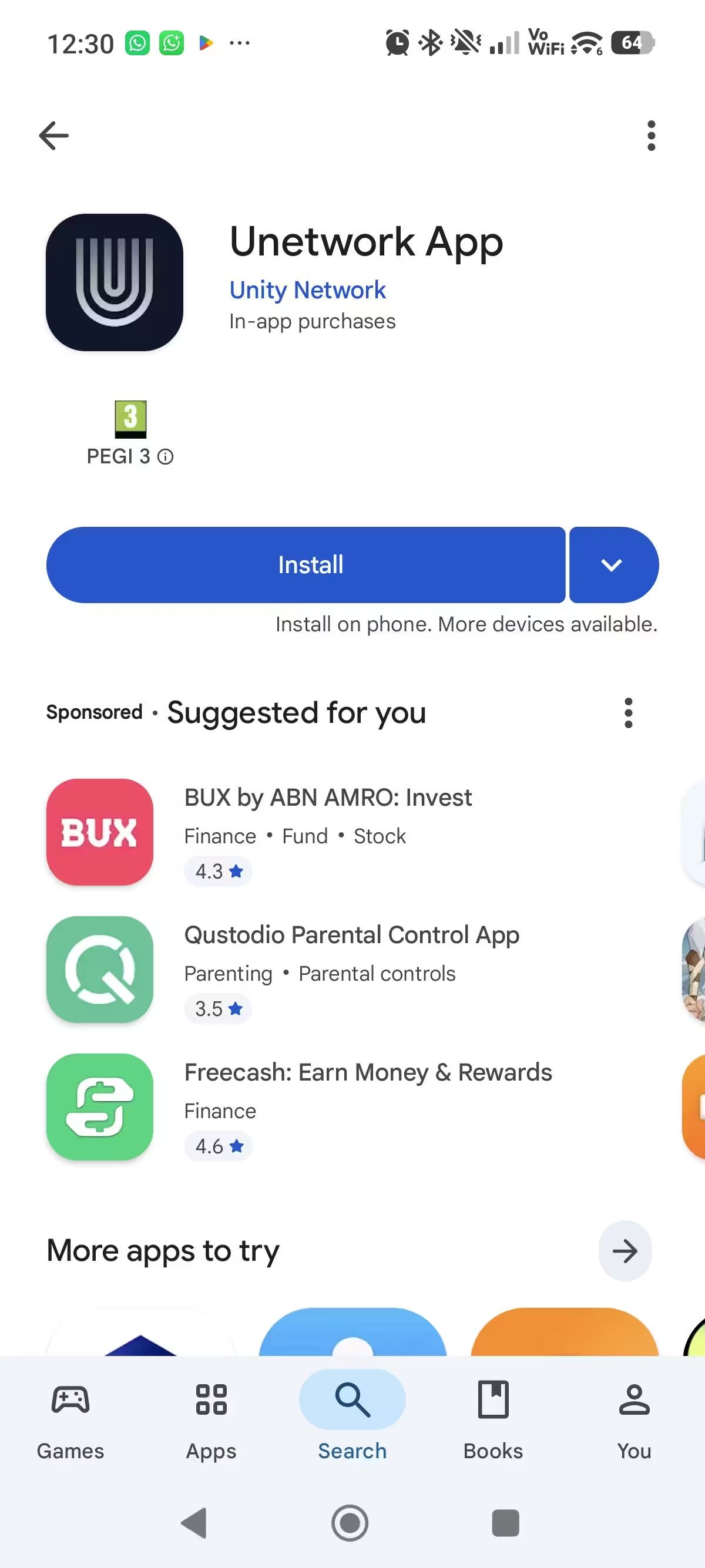
Download the official Unetwork app
Install Unetwork from Google Play on Android or from the App Store on iPhone.
License ready
Copy your code, install the app, then activate your phone with the guide below.
Generate codeSetup time
5-10 min
Activation path
License Operator
Device
Android 6+ or iPhone 7+
Unetwork setup
Follow these steps in order. Keep the license code nearby until the app accepts it.
Step 01
Install Unetwork from Google Play on Android or from the App Store on iPhone.
Step 02
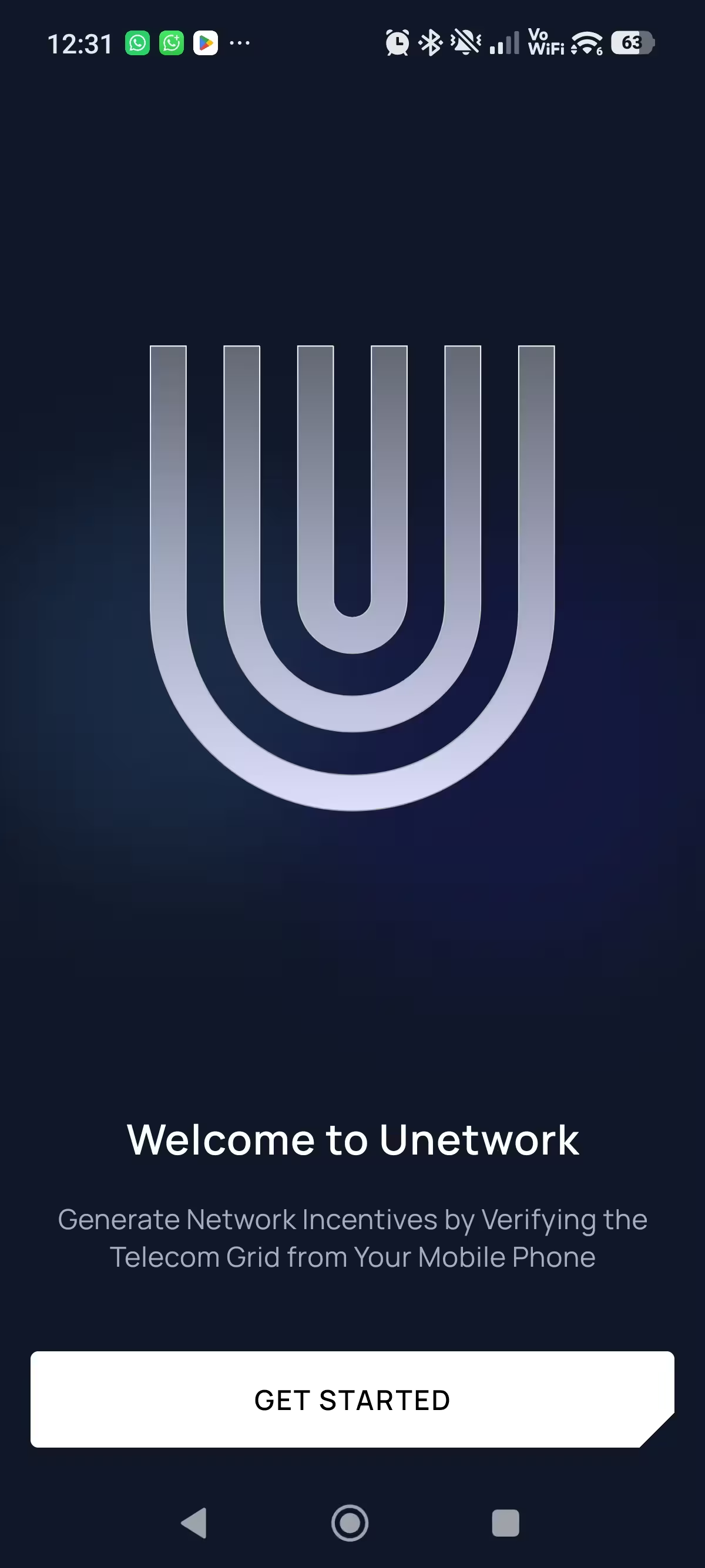
Open Unetwork after installation. Keep this page open in your browser so the license code is easy to copy.
Step 03
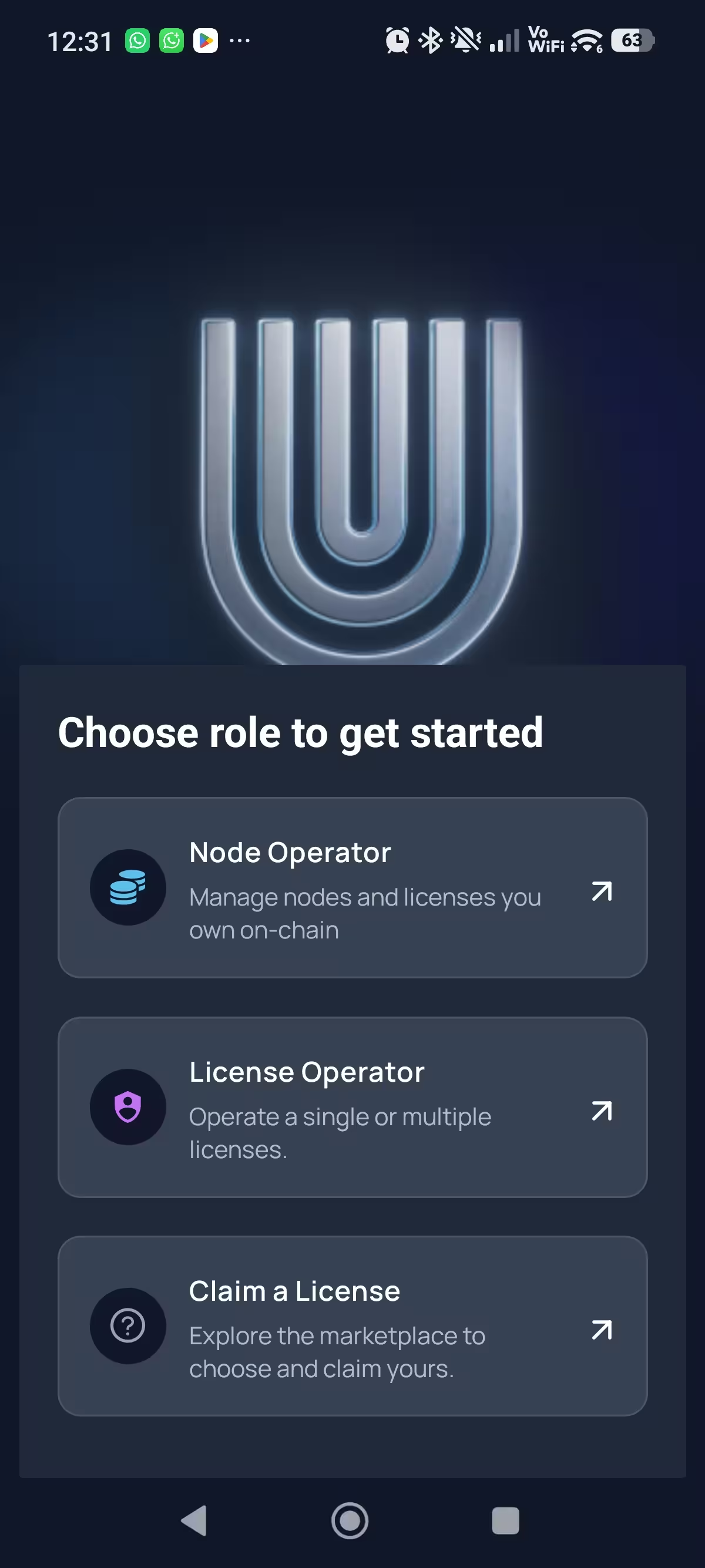
When the app asks how you want to join, select License Operator.
Step 04
Paste this exact code in the Enter Lease Code field.
Your code
Loading your code...Generate a license code from the claim panel, then return to this guide with the code attached.
Generate code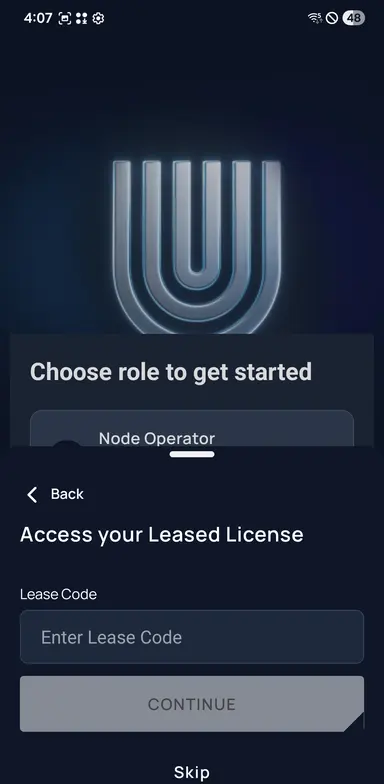
Step 05
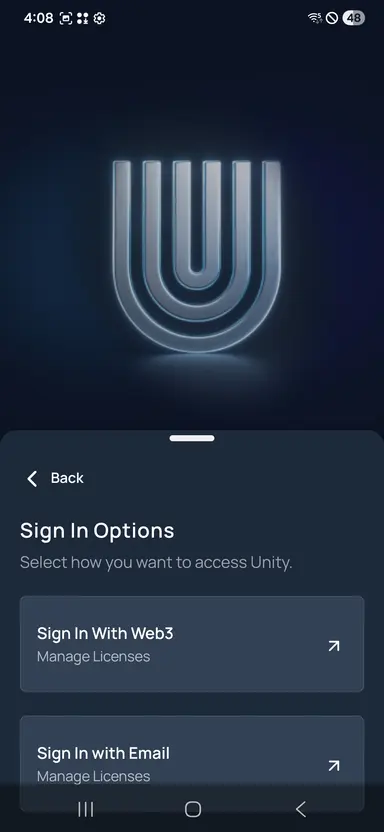
Choose Email if prompted, enter your address, then verify the one-time sign-in code from your inbox.
Step 06
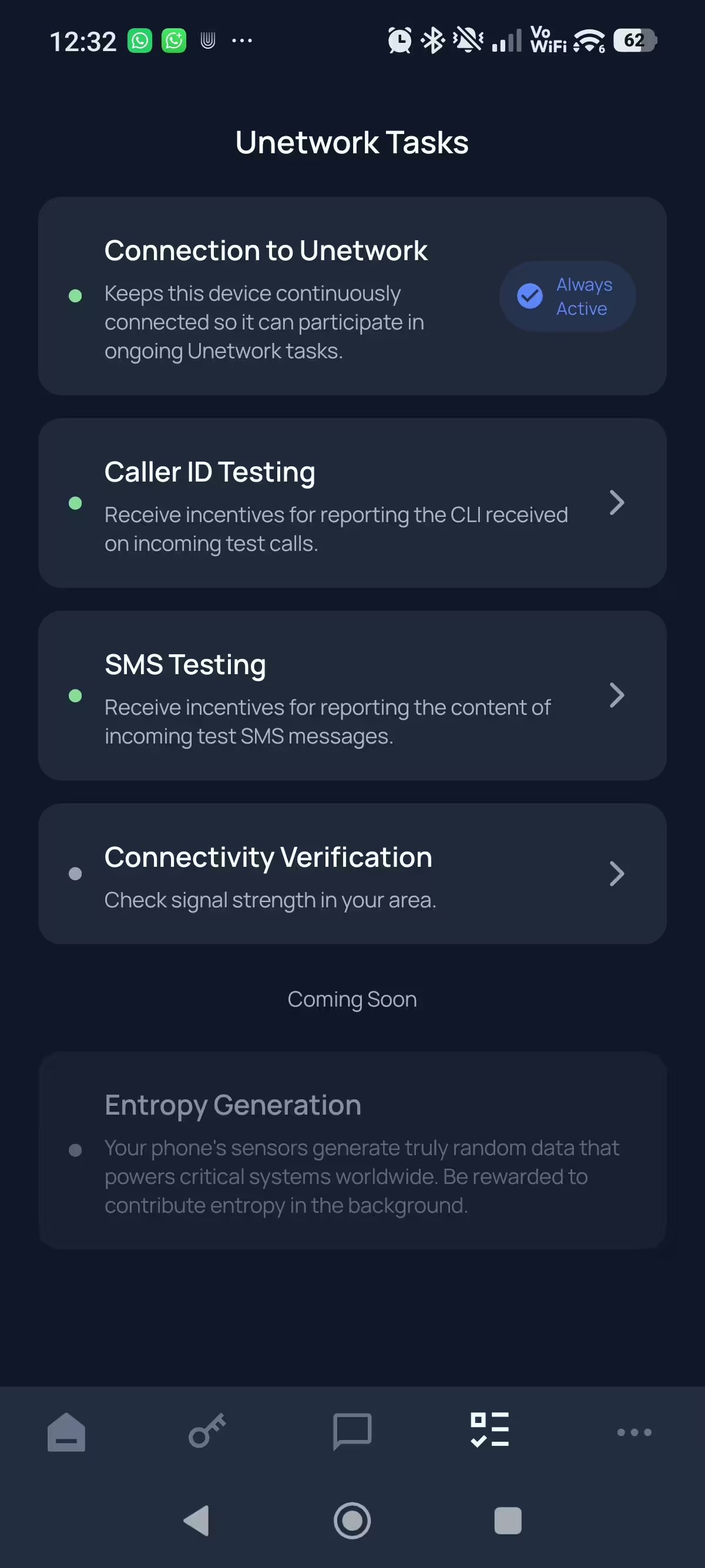
Allow notifications and background access, then open Unetwork Tasks from the app menu.
Step 07
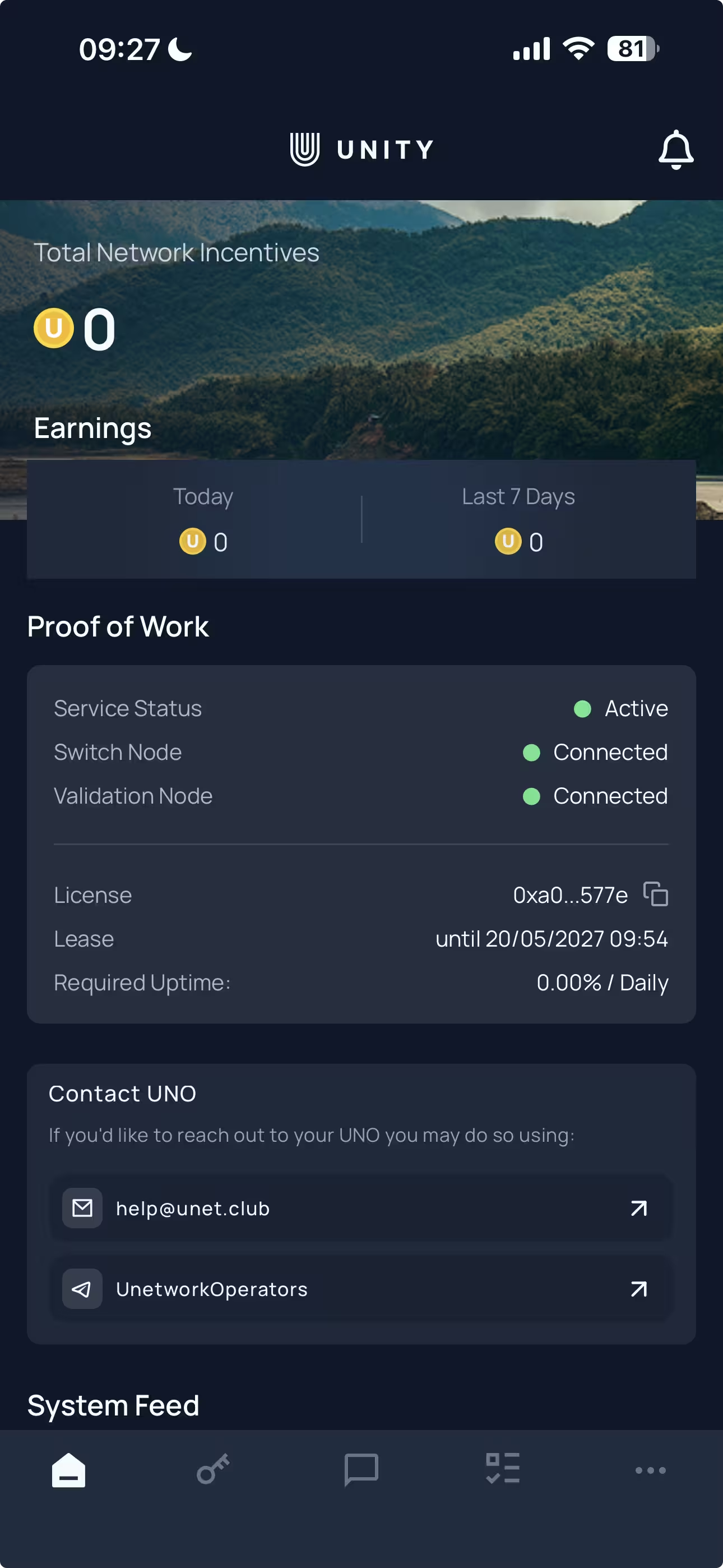
Rewards depend on task availability, country, network quality, phone uptime, carrier support, validation, and commercial demand.
Need help?
If the app does not accept the code, a sign-in code does not arrive, or a permission screen looks different, send the license code shown on this page and your device model.